Matrix Synapse install guide
Guide to installing the Synapse matrix homeserver
2025-08-23 UTC
Introduction#
The goal of this guide is to set up a docker installation of Synapse with Delegation and SQLite.
Throughout this guide domain.tld will be used as a placeholder domain for the Matrix server.
All container-related files will be organized under /srv/containers. This directory will contain two subdirectories:
boilerplates/— storescompose.yamlfiles (service definitions).compose/— stores persistent data and configurations of said services.
DNS Setup#
You will need to configure your domain name registrar (I recommend using Porkbun) to direct requests from domain.tld to your server’s IP address.
Specifically, you’ll need to create the following A records:
domain.tldpointing to your server’s external IP address.matrix.domain.tldalso pointing to your server’s external IP address.
Don’t forget to configure port forwarding for ports 80 and 443 to route to your server’s internal IP.
Synapse#
Generate a configuration file#
mkdir -p /srv/containers/{boilerplates,compose}/synapsemkdir -p /srv/containers/{boilerplates,compose}/caddy
docker network create caddydocker run -it --rm \  -v /srv/containers/compose/synapse/data:/data \  -e SYNAPSE_SERVER_NAME=domain.tld \  -e SYNAPSE_REPORT_STATS=no \  matrixdotorg/synapse:latest generate
Create the Synapse service#
services: synapse: image: ghcr.io/element-hq/synapse:latest container_name: synapse restart: always ports: - 8008:8008 volumes: - /srv/containers/compose/synapse/data:/data networks: - caddynetworks: caddy: external: trueCreate a server admin#
cd /srv/containers/boilerplates/synapsedocker compose up -ddocker exec -it synapse register_new_matrix_user -c /data/homeserver.yamlNew user localpart: your_admin_usernamePassword: your_admin_passwordConfirm password: your_admin_passwordMake admin: yesCaddy#
We will be using Caddy as our reverse proxy
Create the Caddy service#
services: caddy: image: docker.io/caddy:alpine container_name: caddy restart: always ports: - 80:80 - 443:443 volumes: - /srv/containers/compose/caddy/Caddyfile:/etc/caddy/Caddyfile - /srv/containers/compose/caddy/config:/config - /srv/containers/compose/caddy/data:/data networks: - caddynetworks: caddy: external: trueCreate the Caddyfile#
domain.tld { header /.well-known/matrix/* Content-Type application/json header /.well-known/matrix/* Access-Control-Allow-Origin * respond /.well-known/matrix/server `{"m.server": "matrix.domain.tld:443"}` respond /.well-known/matrix/client `{"m.homeserver":{"base_url":"https://matrix.domain.tld"}}`
encode zstd gzip}
matrix.domain.tld { reverse_proxy /_matrix/* synapse:8008 reverse_proxy /_synapse/client/* synapse:8008 request_body { max_size 10GB } @blocked { not path /_matrix/* not path /_synapse/client/* } respond @blocked 403
encode zstd gzip}Start Caddy#
docker compose -f /srv/containers/boilerplates/caddy/compose.yml up -dTest the installation#
At this point, give the Matrix Federation Tester a whirl by entering domain.tld. This tool checks if your server is reachable on the expected ports.
If you hit any issues, it’s likely to do with the reverse proxy or delegation setup, assuming there’s nothing wrong in the Synapse logs. Make sure to double check that your ports are actually open and accessible.
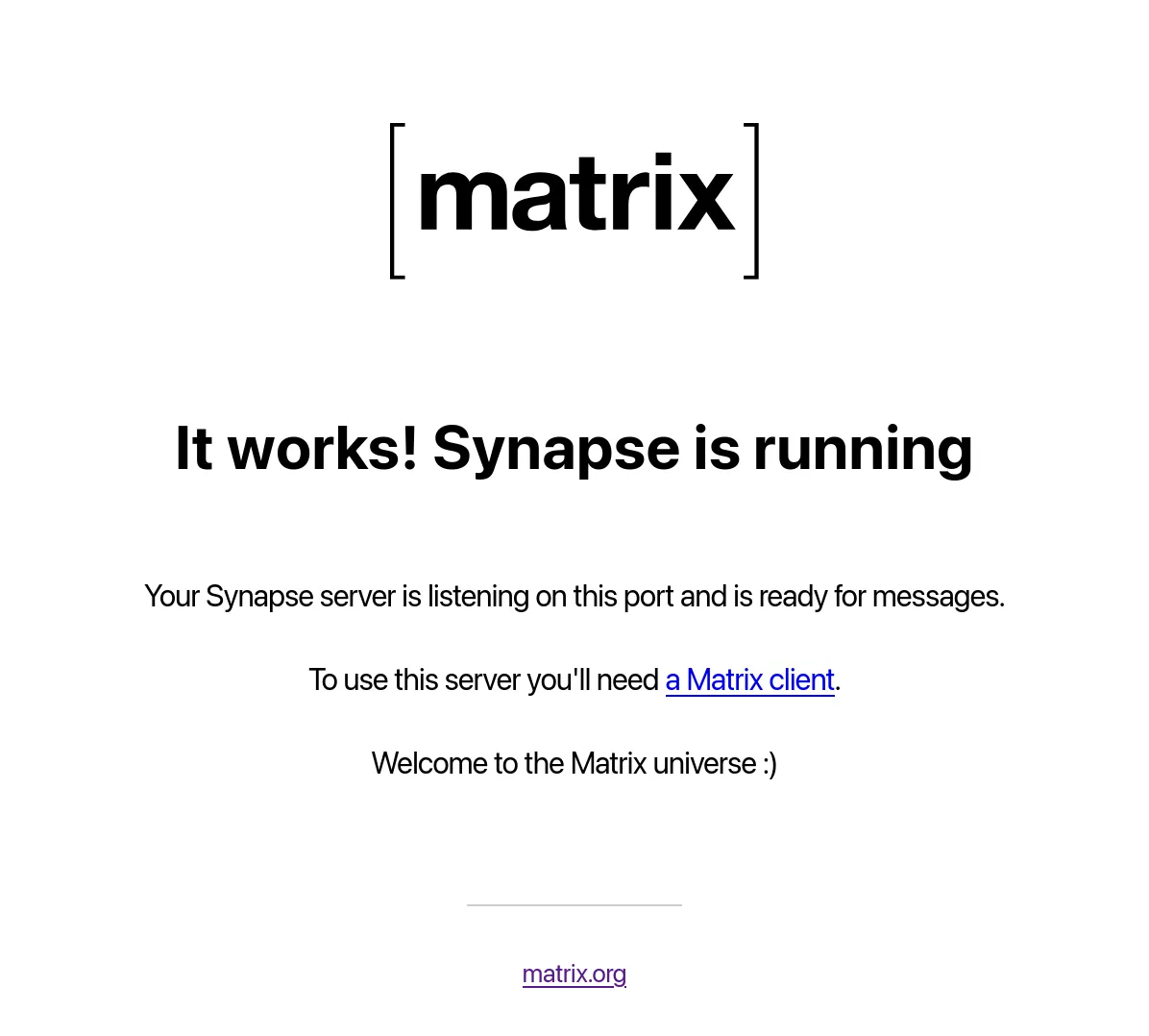
You should also be able to view the following at https://matrix.domain.tld/_matrix/static
Pick a Client and Sign In#
Now is the time to choose a client or app to log in with.
I recommend Element Web or Desktop for desktops and Element X for mobile devices.